1. User Research
We began the process by:
Researching UWB technology automotive UX trends and user expectations for seamless vehicle interactions to define key interaction challenges
Conducted a competitive analysis of existing in-car automation to identify opportunities for improvement.
Sythinthesized findings into actionable design principles, focusing on automation transparency, safety, and personalization.
Key findings:
Users prioritize automation with control.
Safety and personalization were major concerns.
Existing UI paradigms often fragment information across multiple menus, leading to cognitive overload while driving.
2. Information Architecture & Concept Development
To address these pain points, we mapped out a user journey for different scenarios:
Developed an interaction flow for UWB-powered features, ensuring a seamless transition between automation and manual control.
Designed an information architecture framework, structuring settings, real-time feedback, and manual overrides for better usability.
3. UX/UI Design Solutions
We conceptualized a UWB-integrated UX system by
Designing UWB-powered interactions to enhance vehicle entry, personalization, and security.
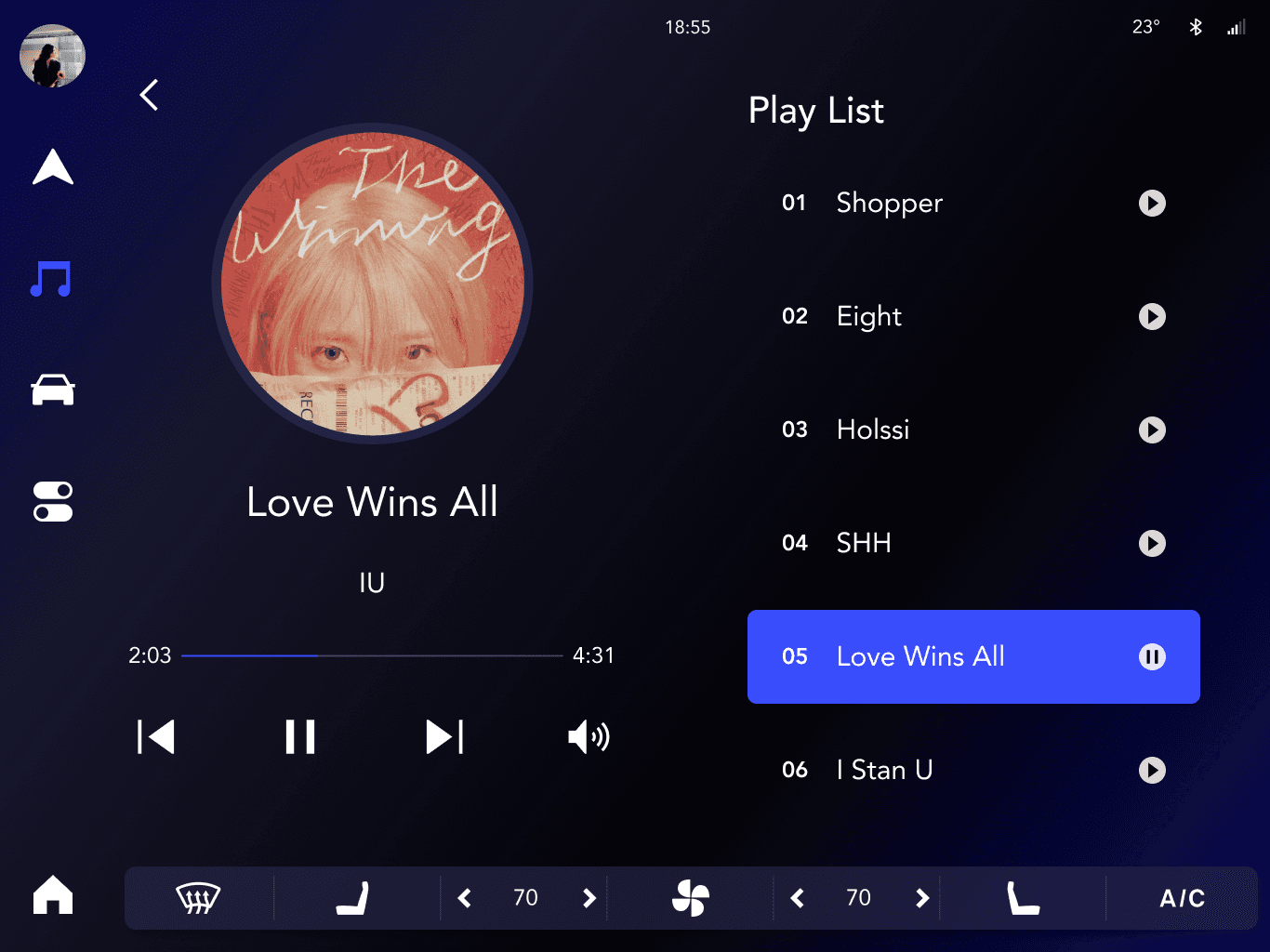
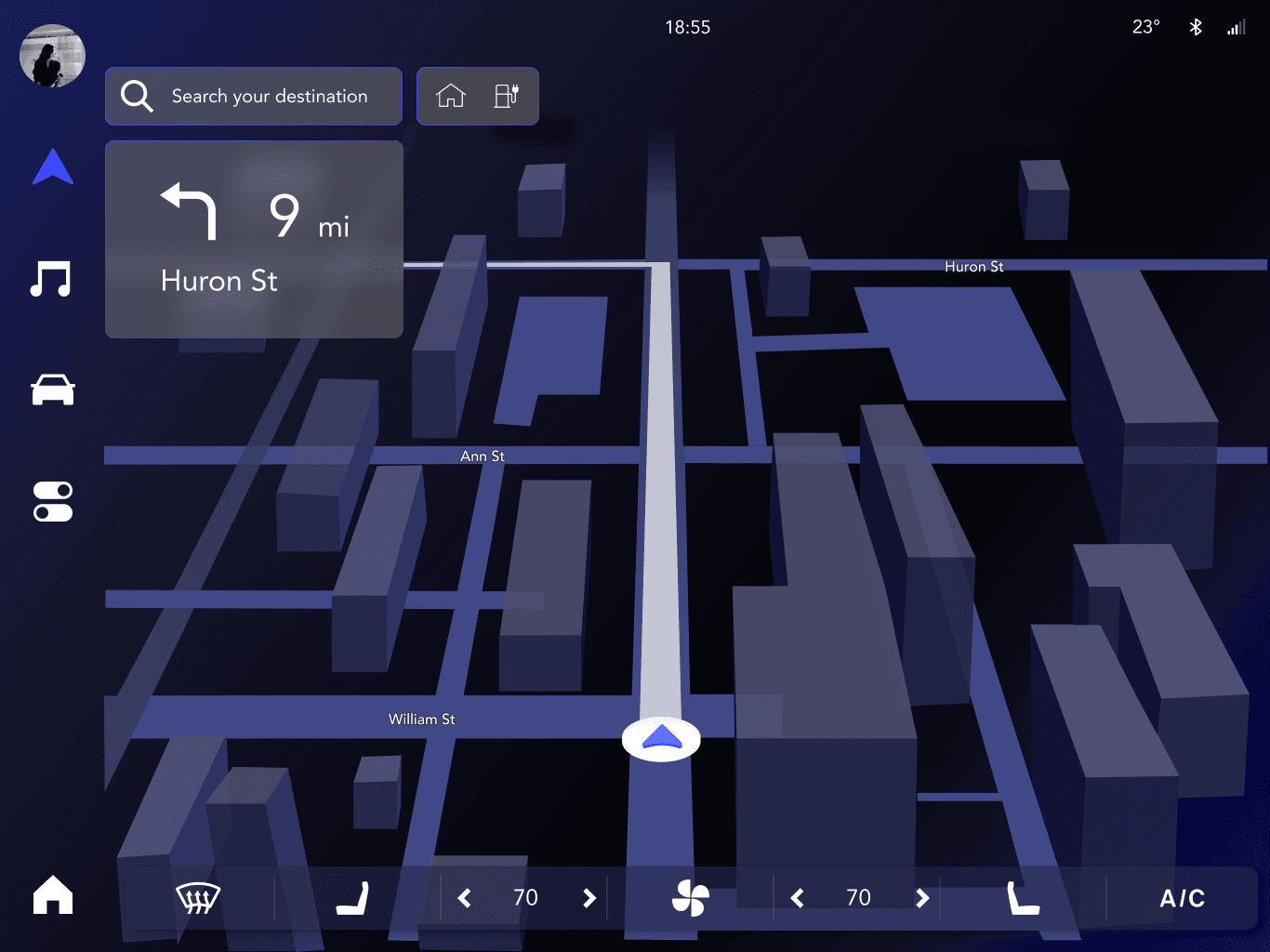
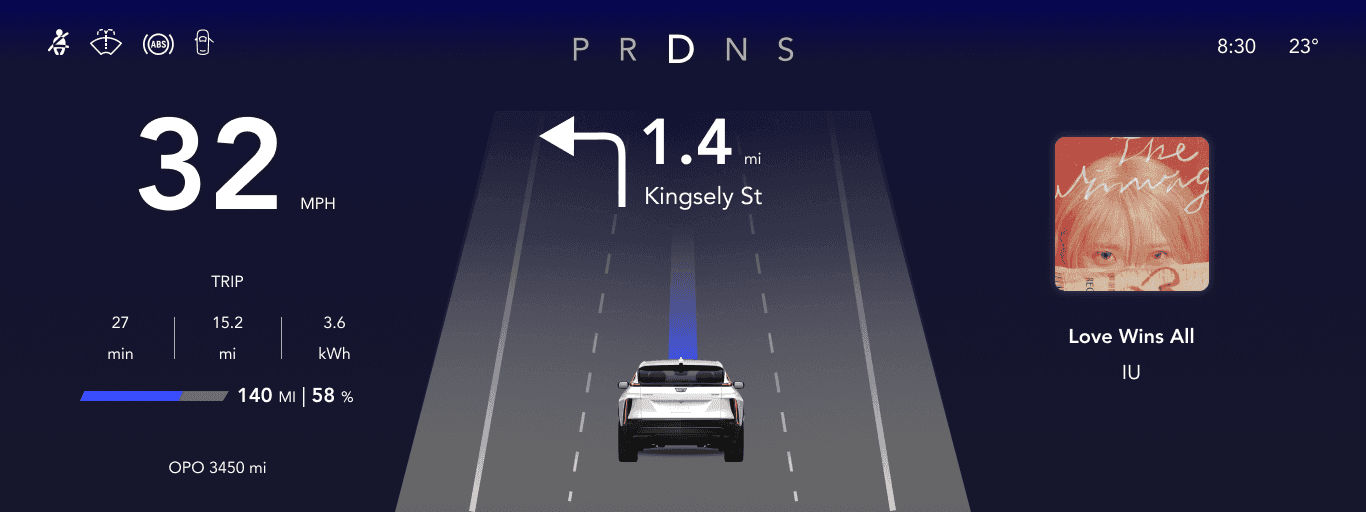
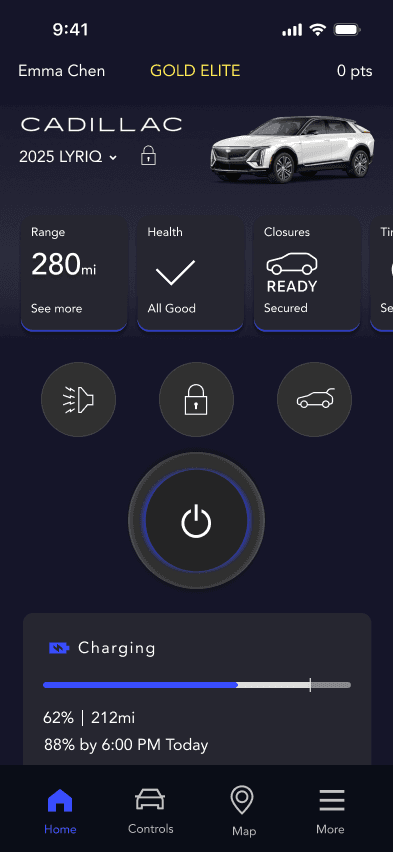
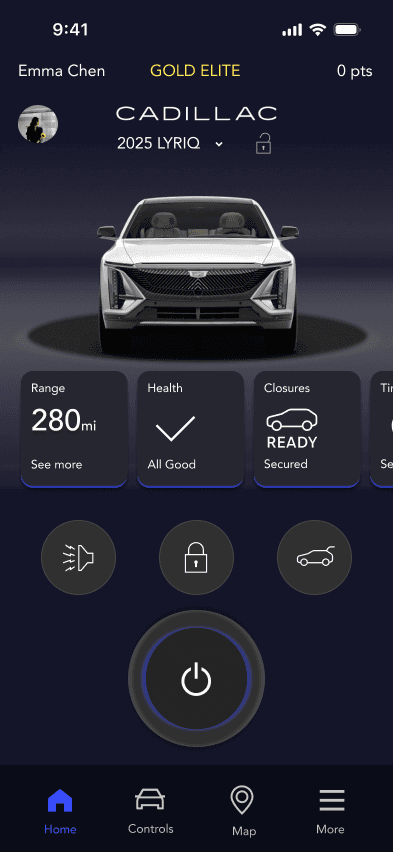
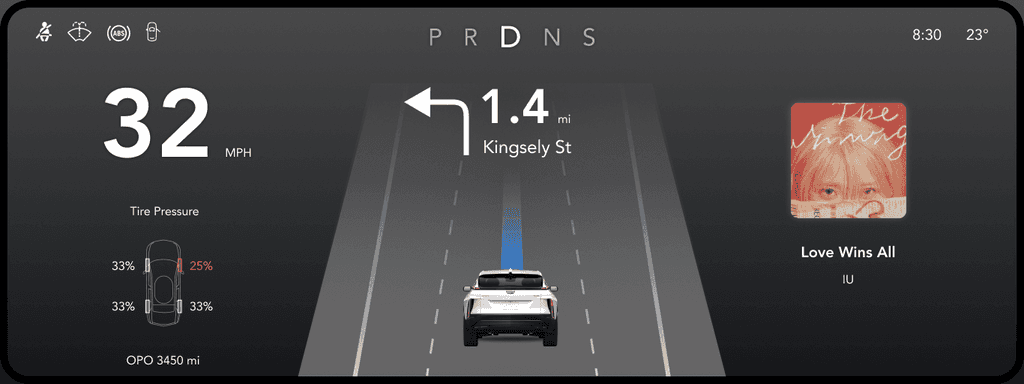
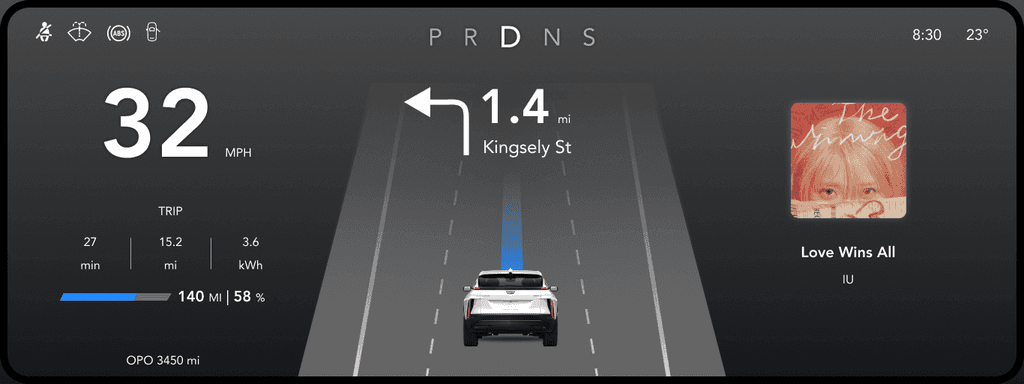
Developing glanceable UI elements to provide real-time feedback on automation status.
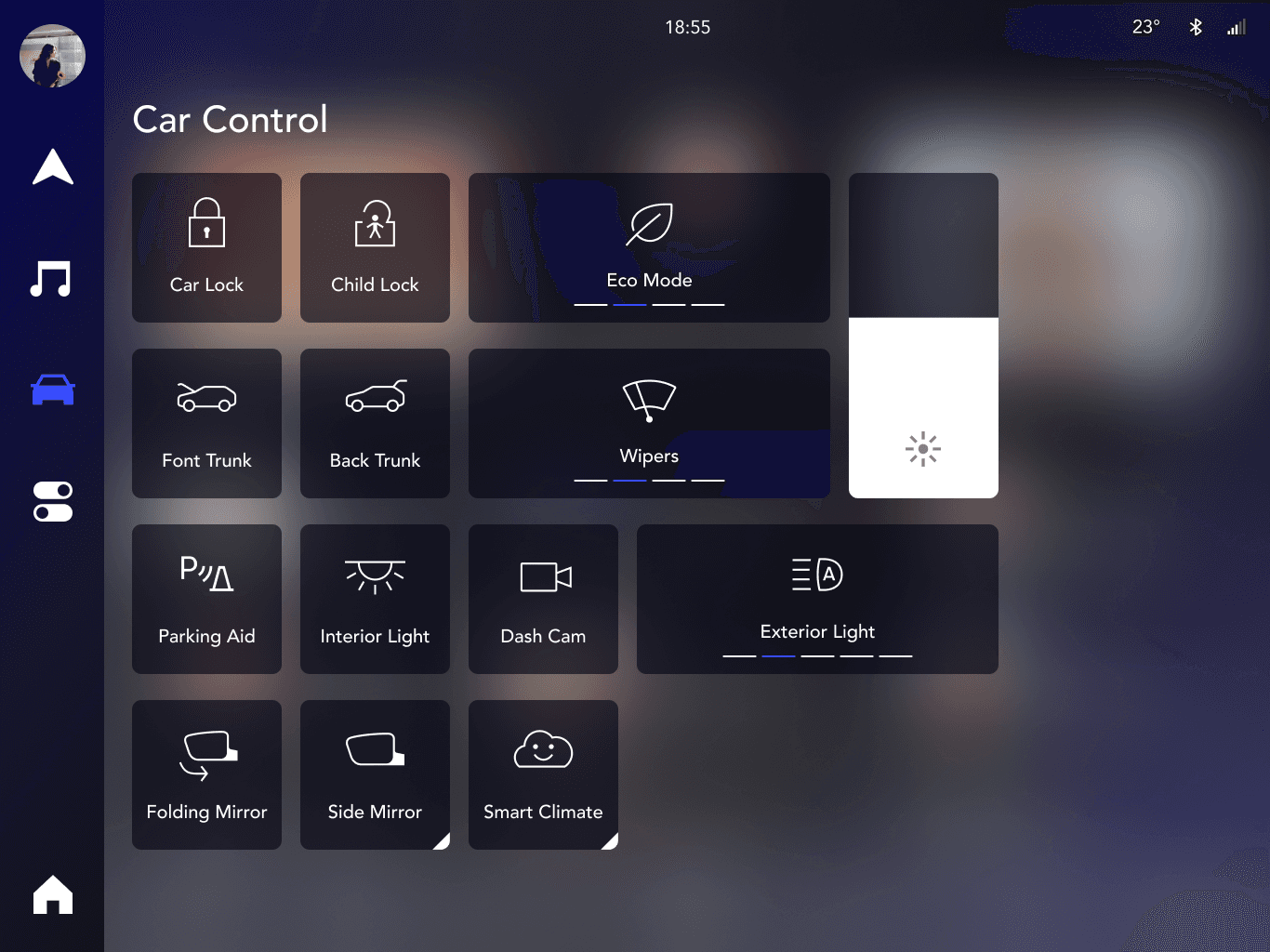
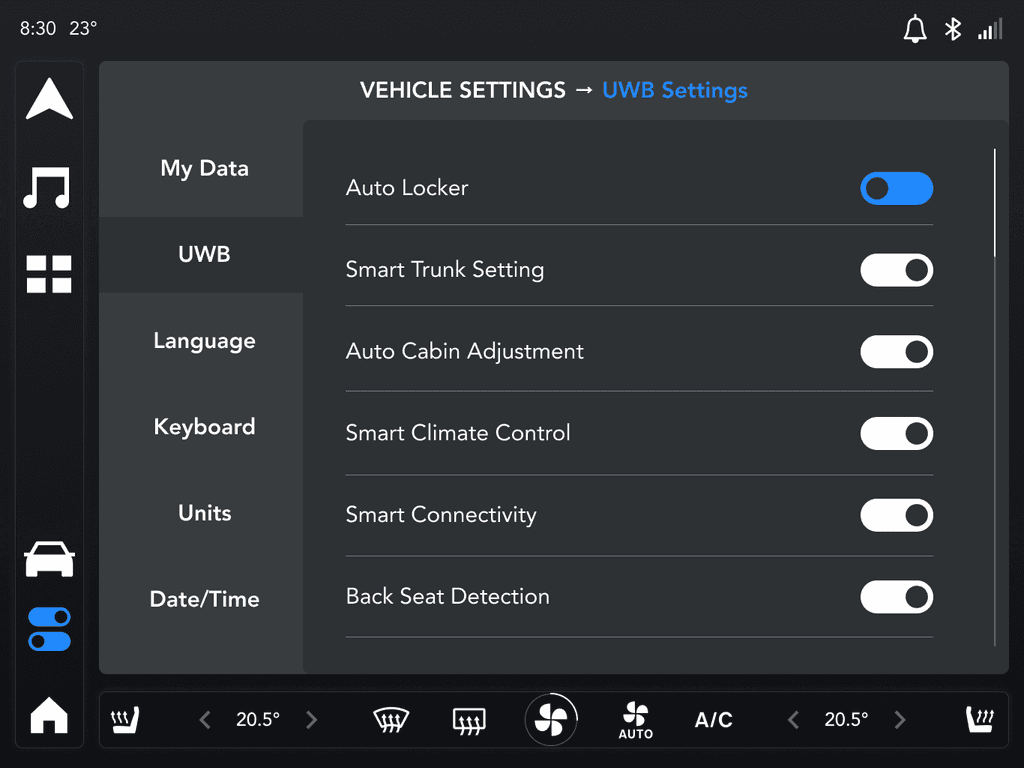
Ensuring a balance between automation and manual control, allowing users to override settings when needed.
Key UX Features:
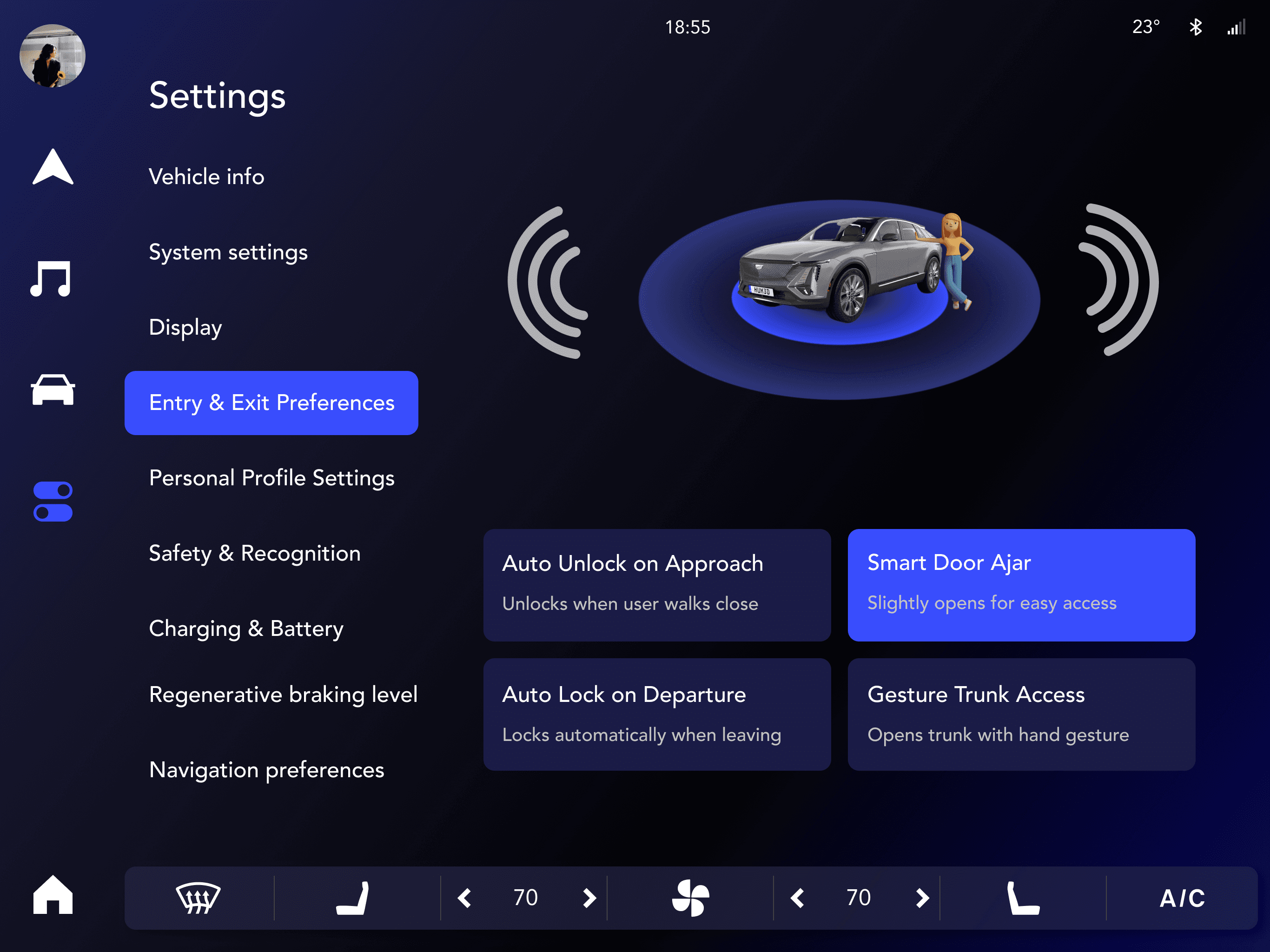
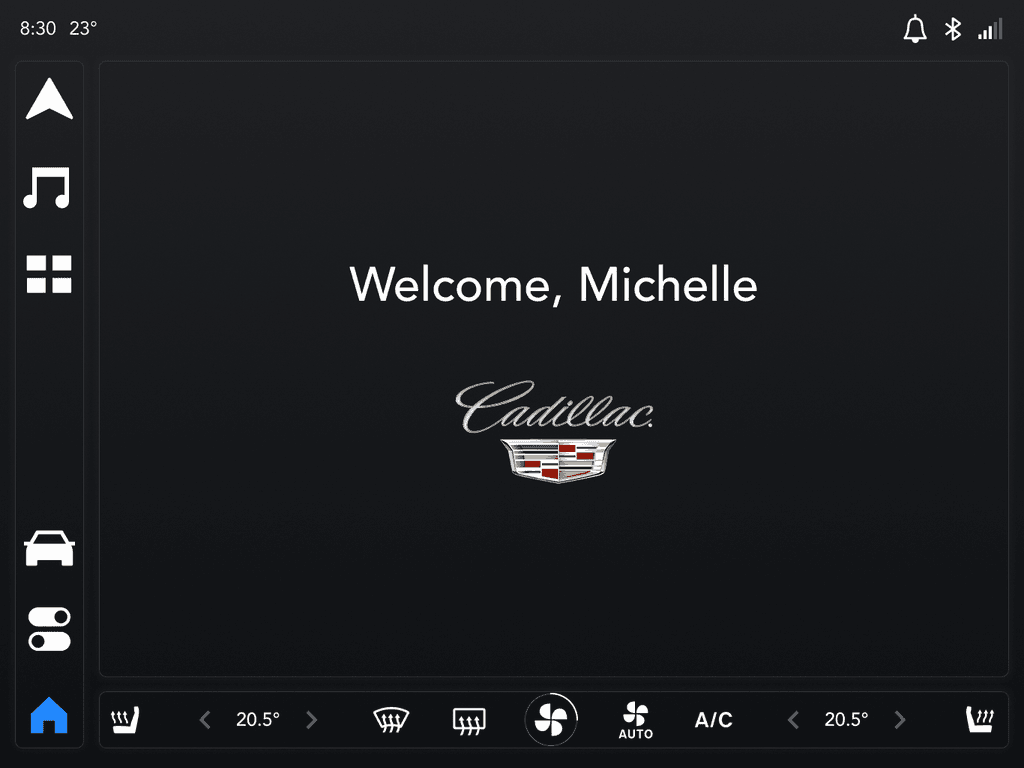
Smart Entry & Exit: Personalized vehicle greeting, auto-unlock based on proximity, and walk-away auto-lock.
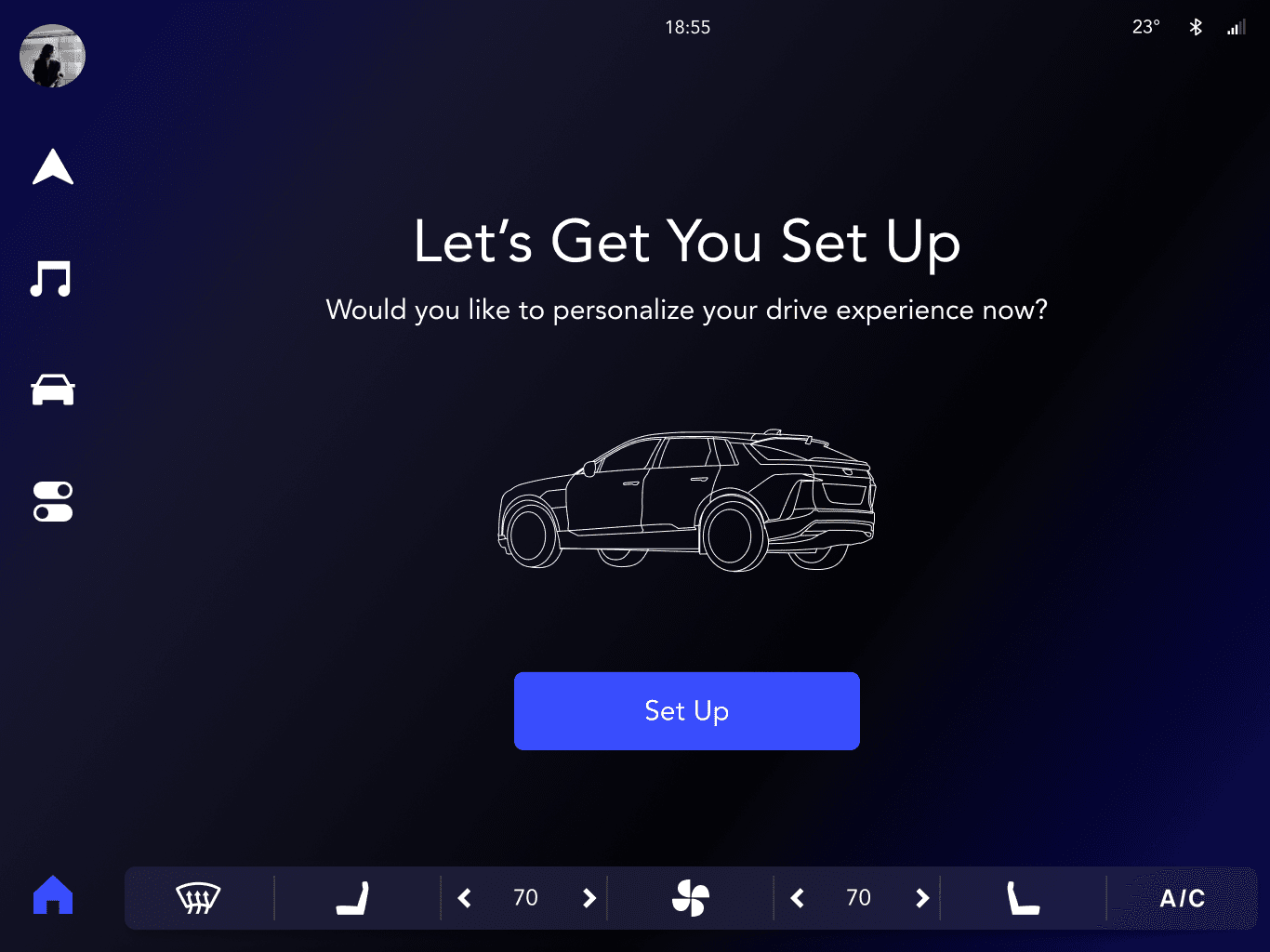
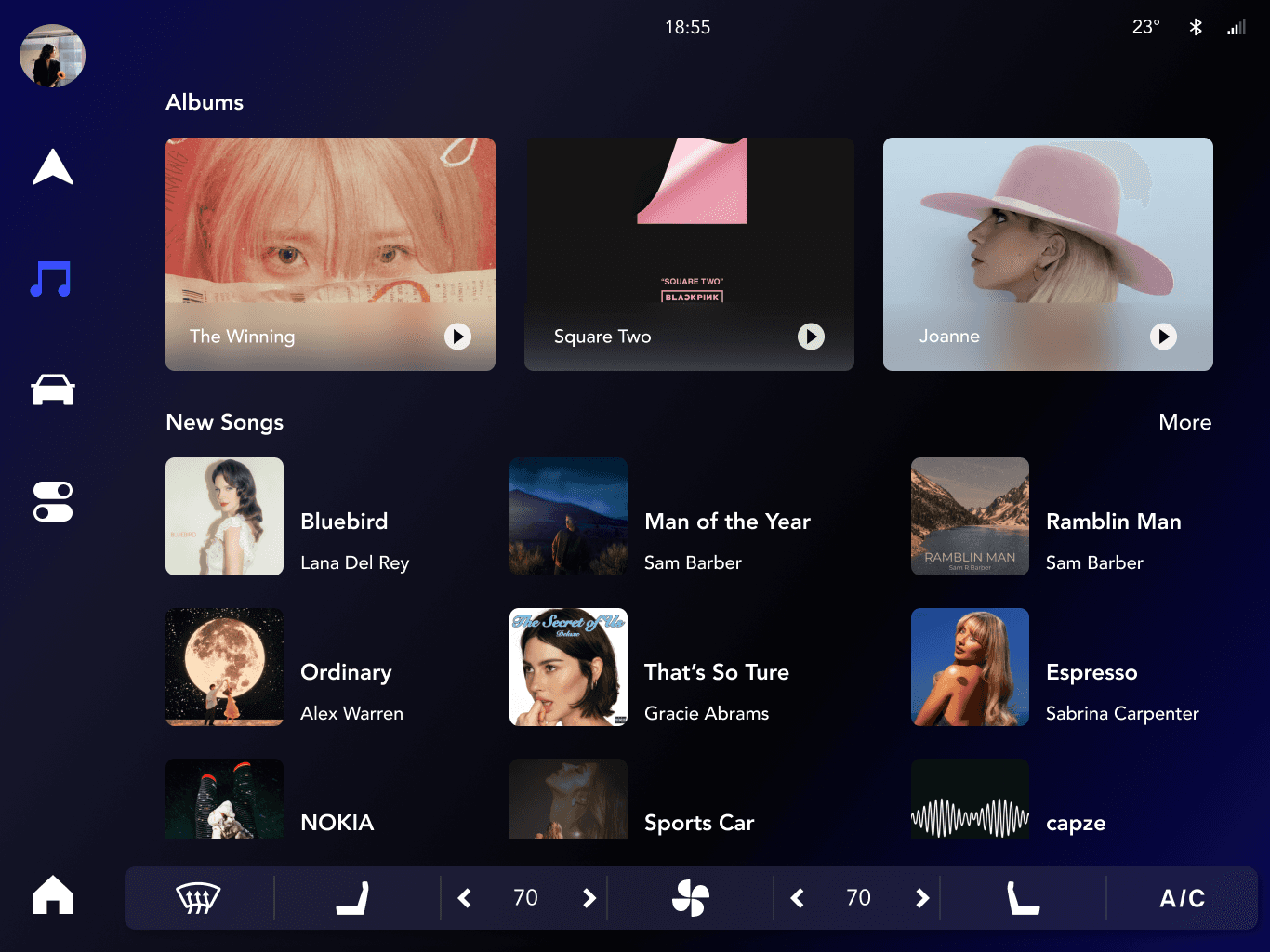
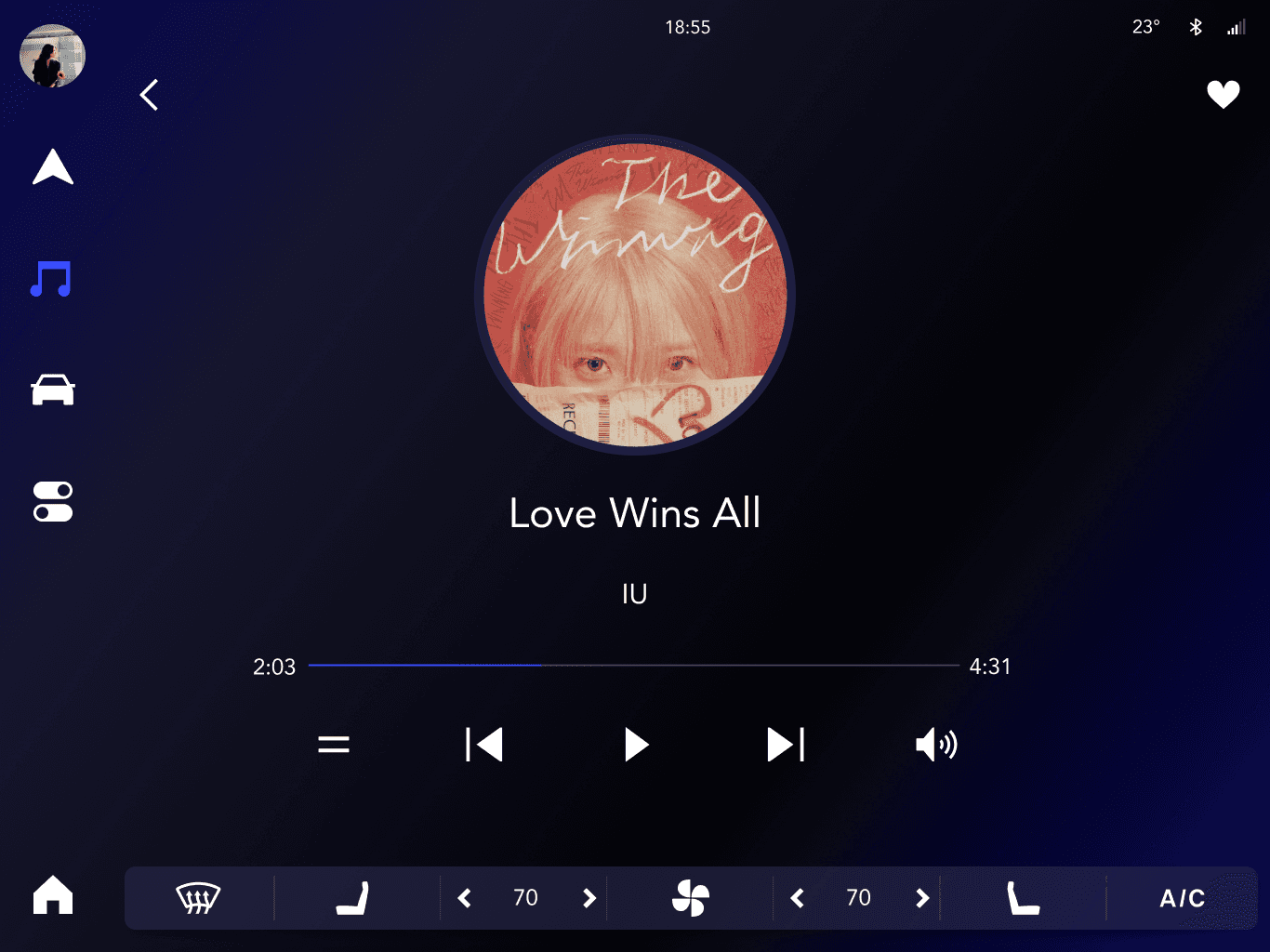
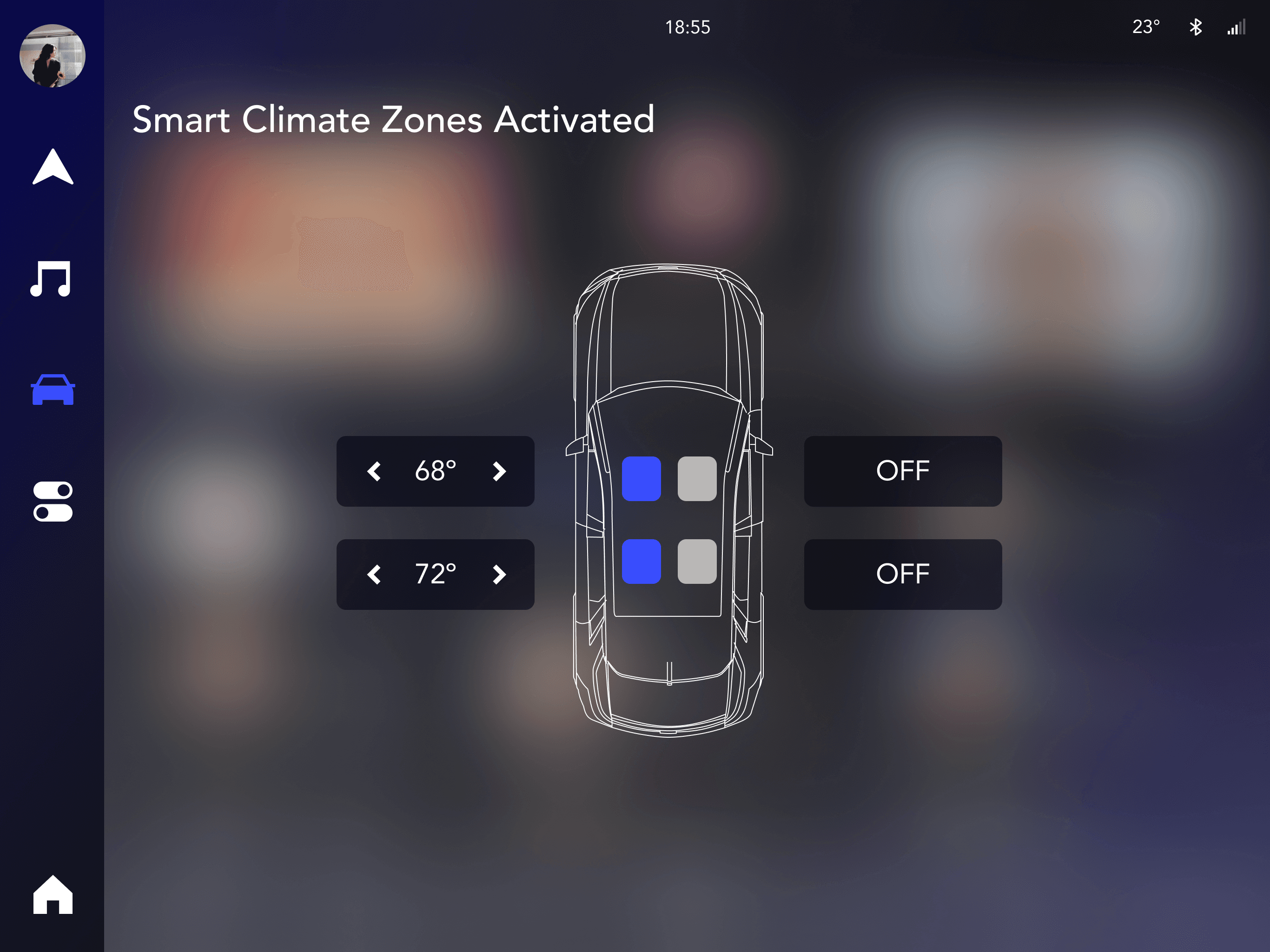
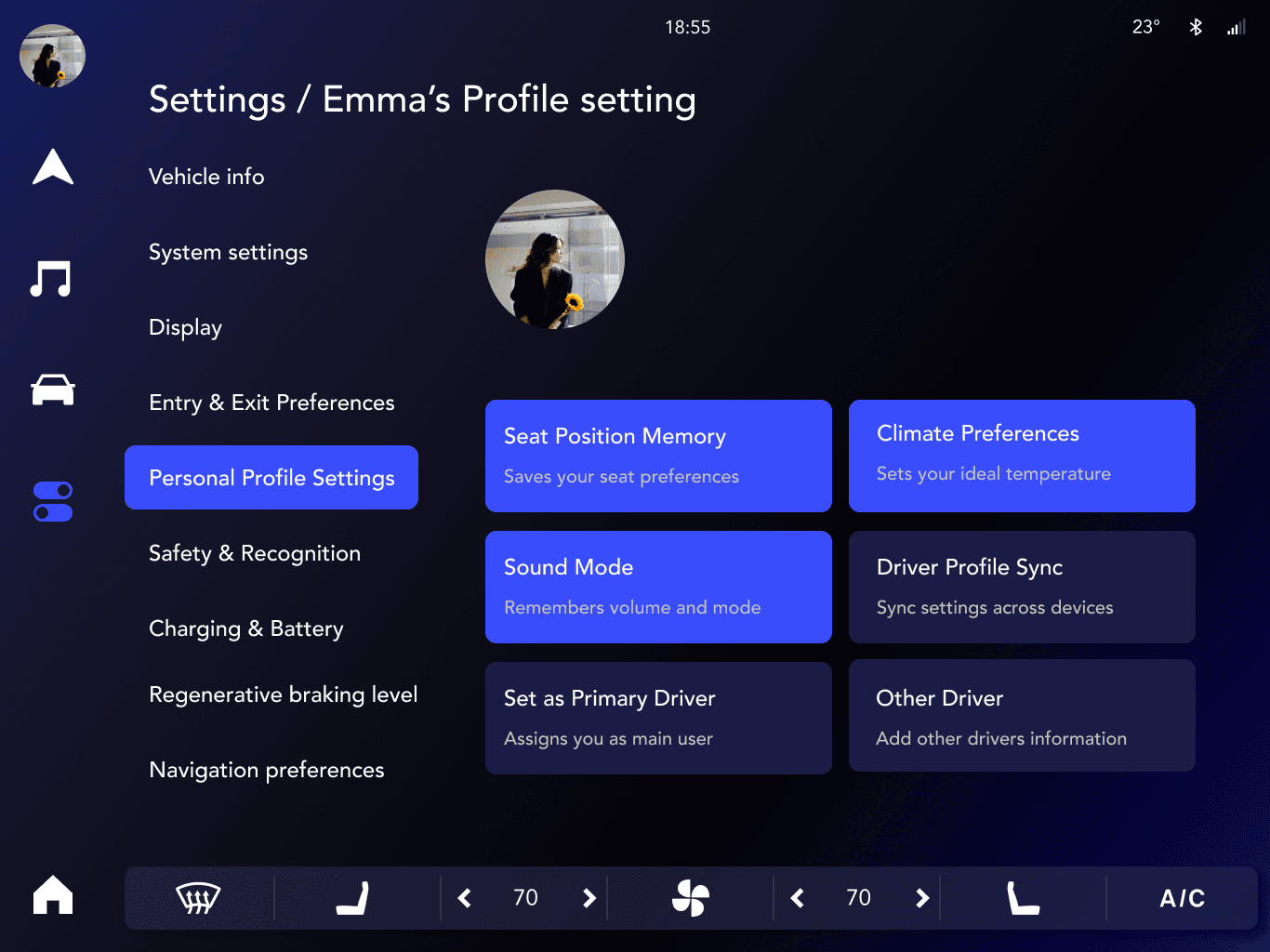
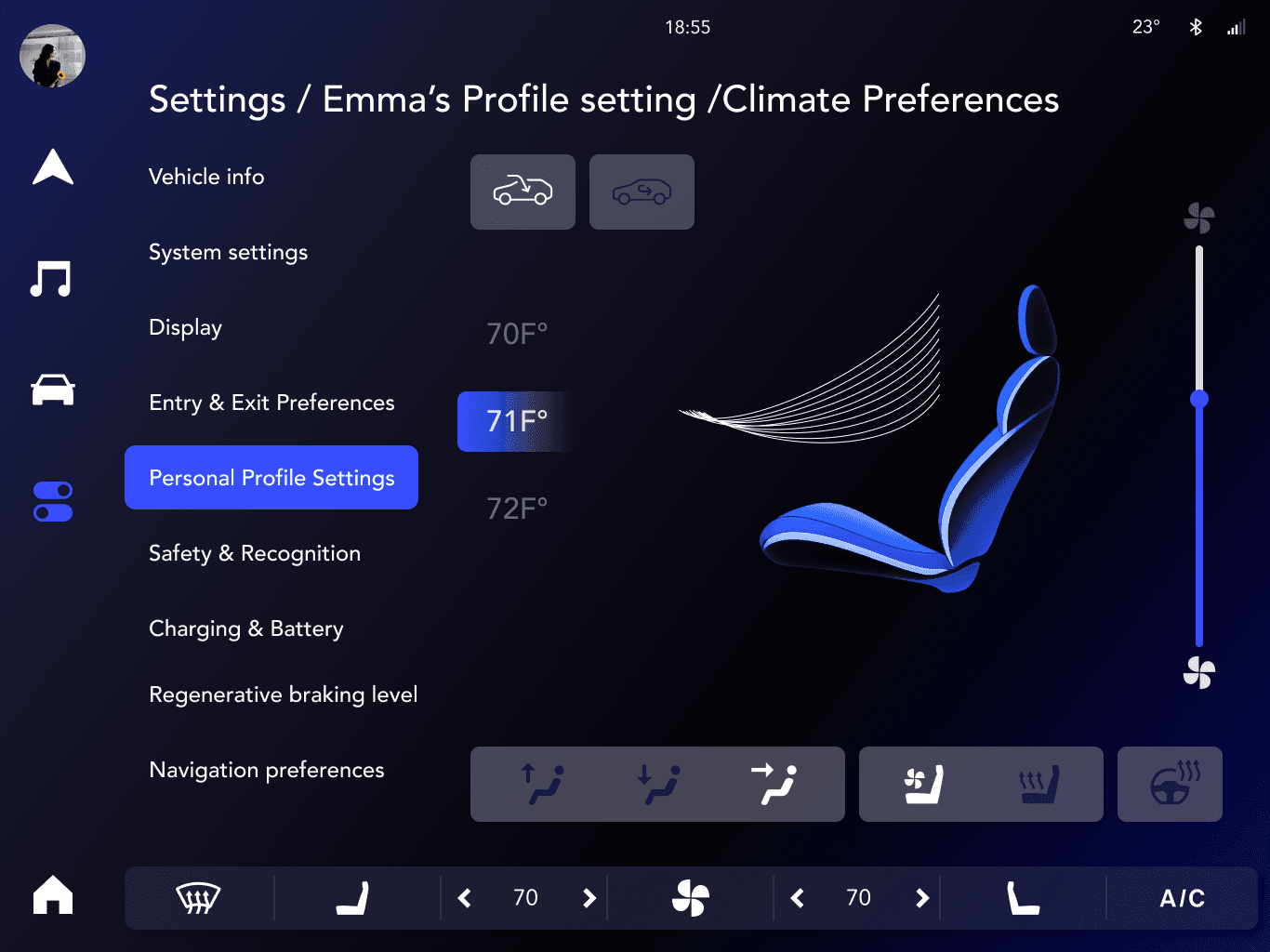
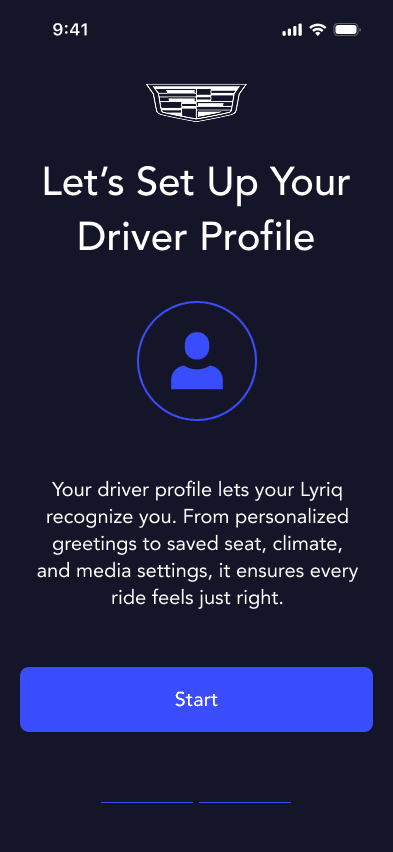
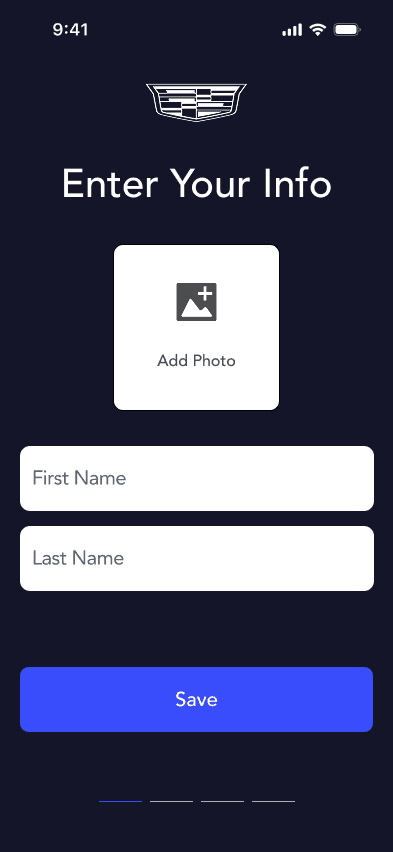
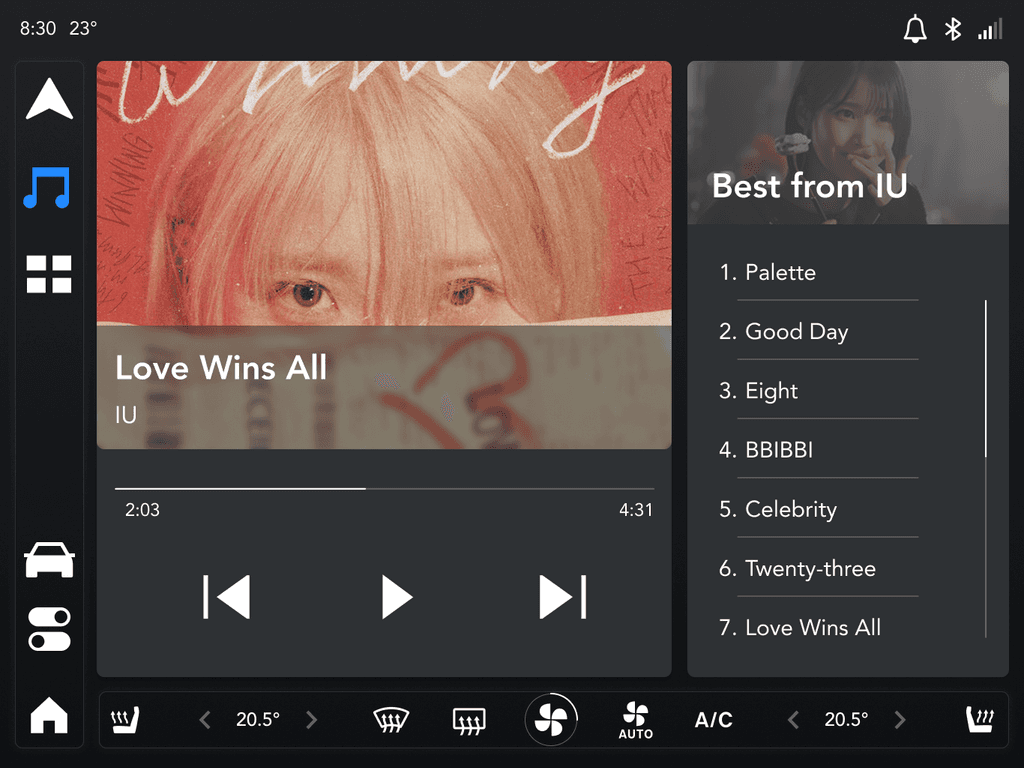
Multi-Profile Cabin Adjustments: Detects driver identity and loads their custom settings (seat position, mirrors, climate, media).
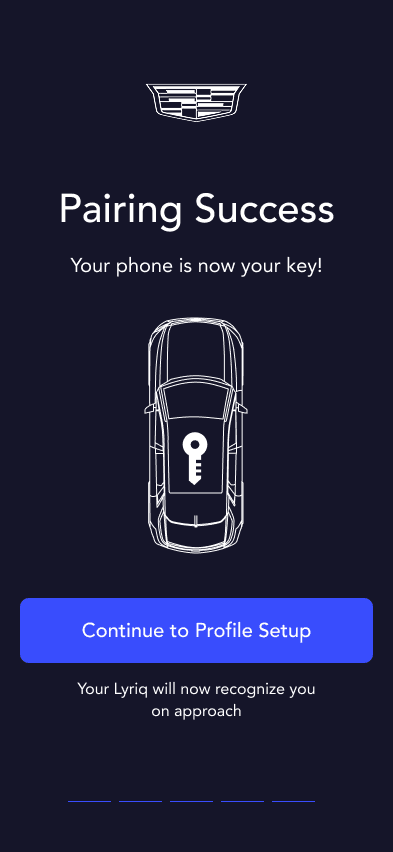
Invisible Phone Pairing: Automatically prioritizes the driver's phone for media, calls, and navigation.
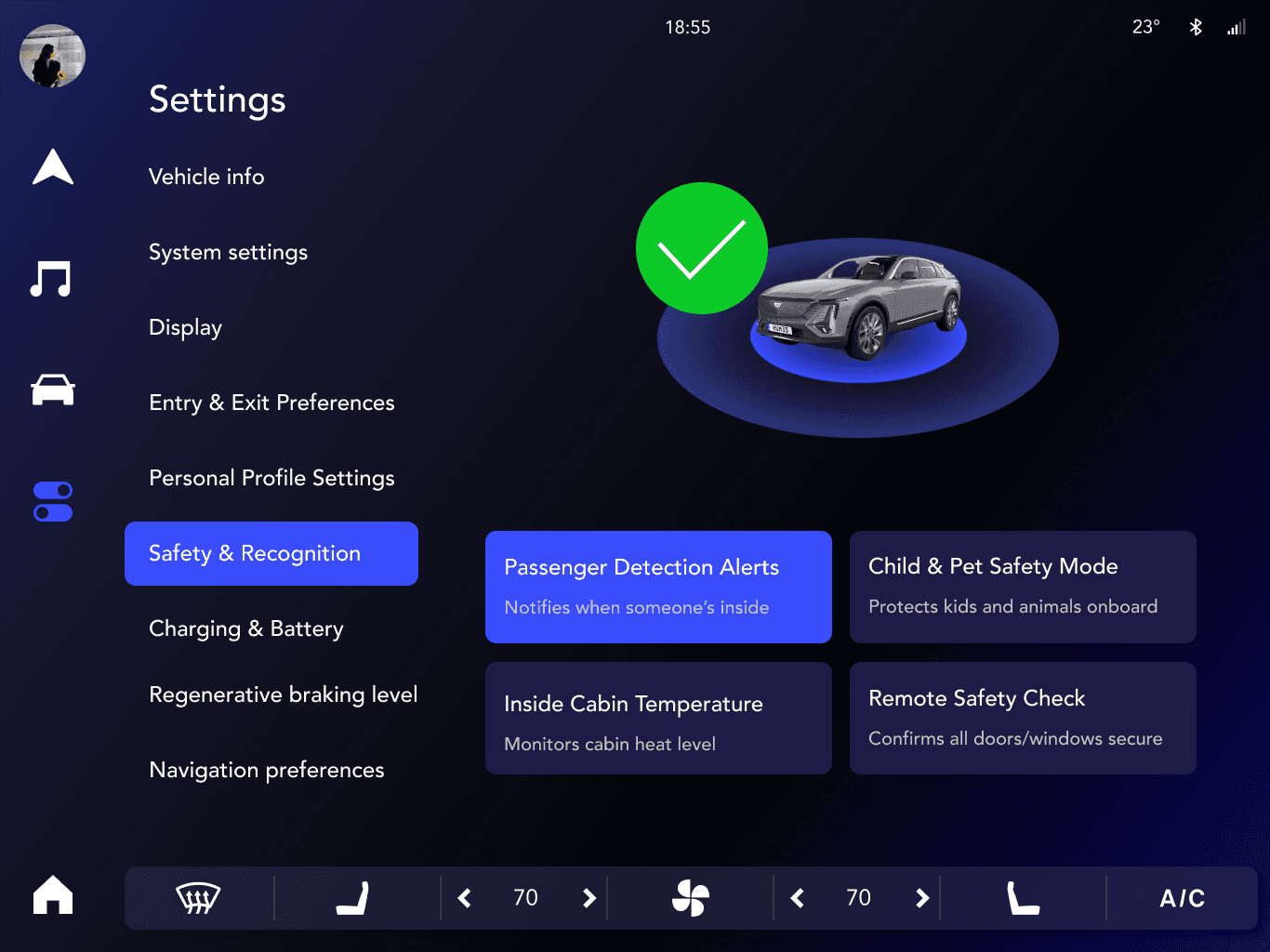
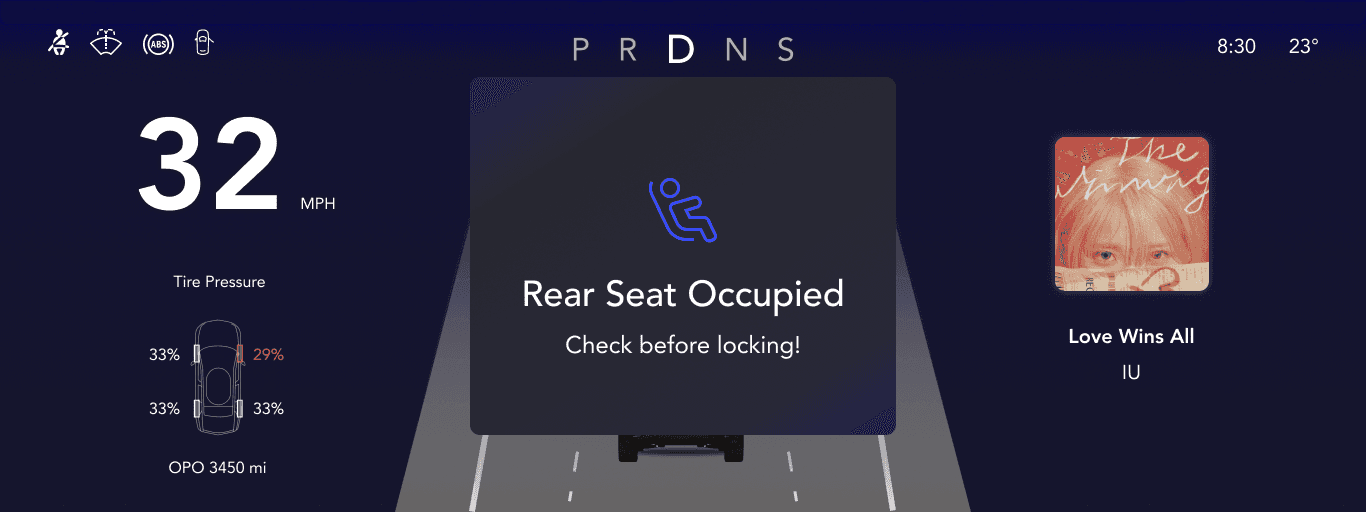
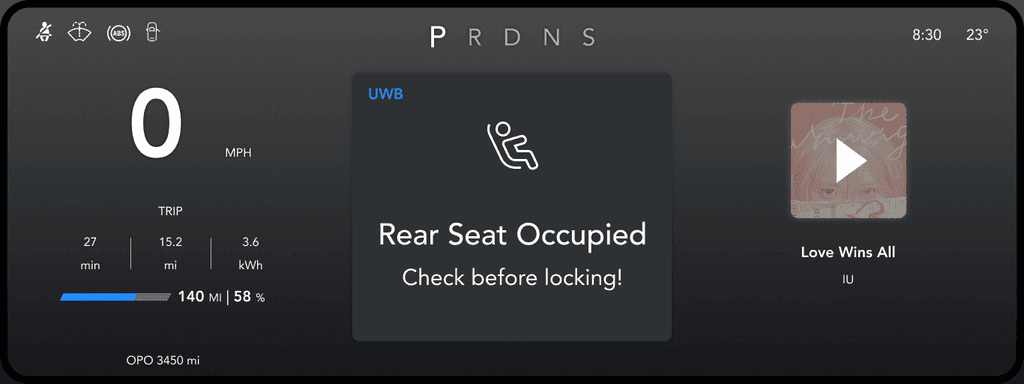
Child & Pet Detection Alerts: Prevents accidental auto-locking when motion is detected in the backseat.
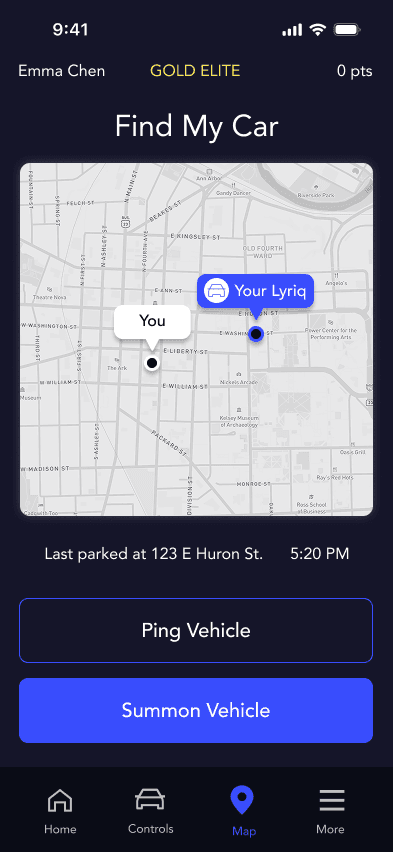
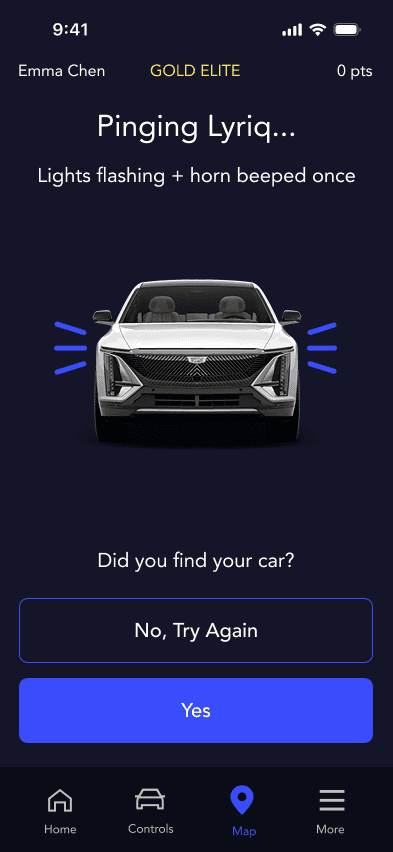
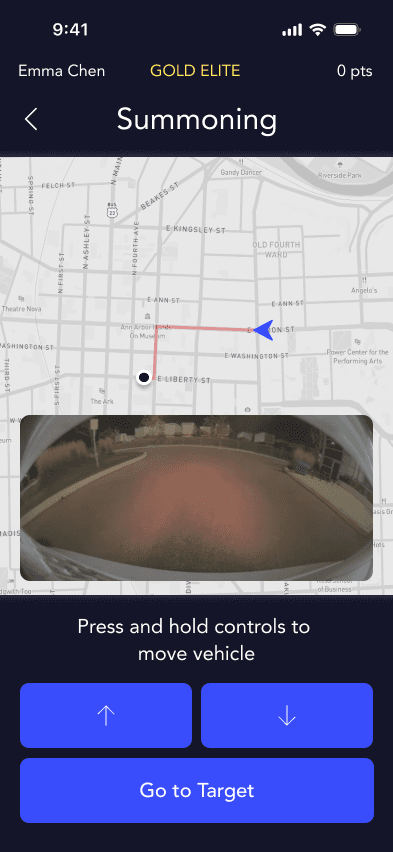
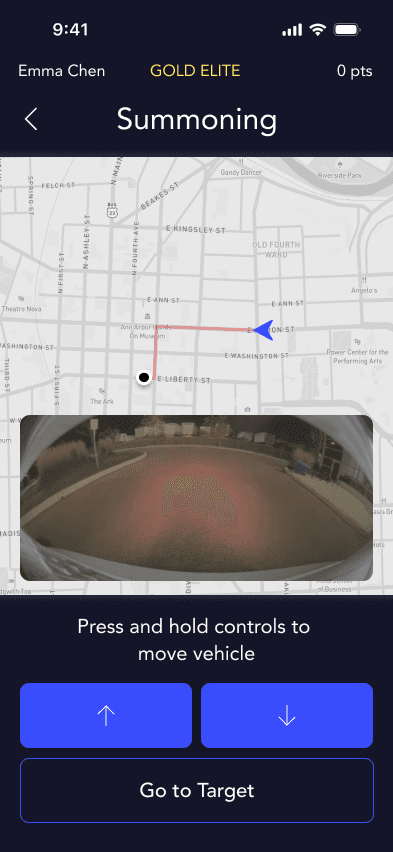
Find My Car & Remote Summon: Allows users to locate or summon their vehicle remotely using their phone.
4. Prototyping & Testing
We built interactive Figma prototypes for both in-vehicle and mobile experiences, incorporating:
Visual Design: A modern, minimal UI with GM’s branding guidelines, using consistent typography, iconography, and color schemes.
Interaction Design: Adaptive UI elements that change based on context (e.g., profile-based settings, real-time safety alerts).
Usability Testing: Conducted cognitive walkthroughs and heuristic evaluations to identify pain points.
5. Key Deliverables:
These UWB enhancements will be incorporated into car launches approximately starting in 2035.
Wireframes & User Flows: Detailed interaction flows for both vehicle and mobile interfaces.
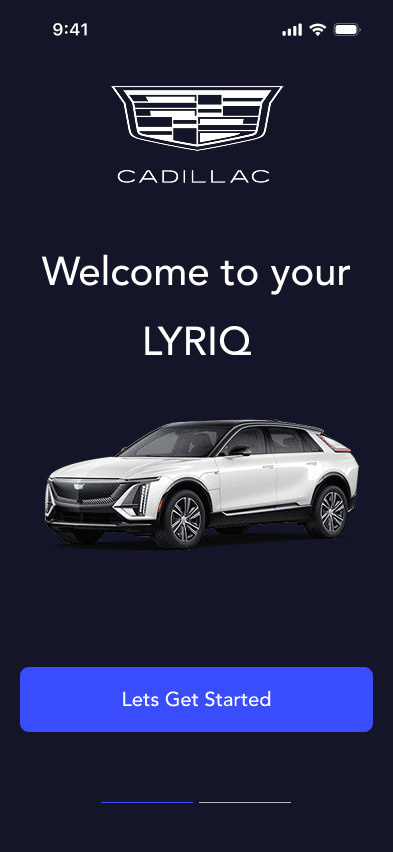
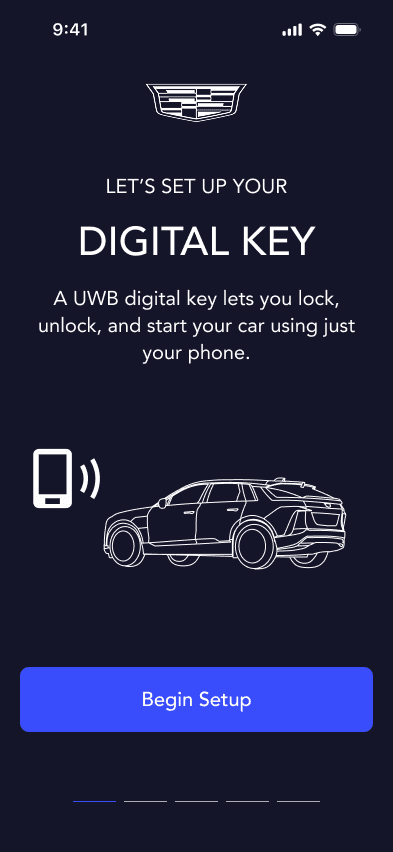
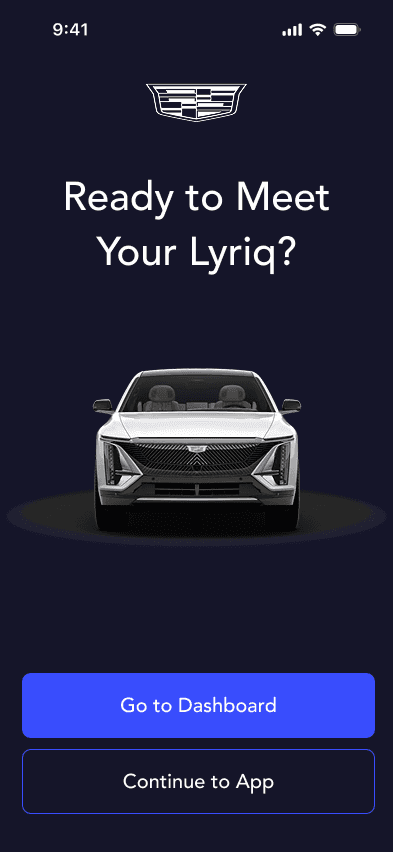
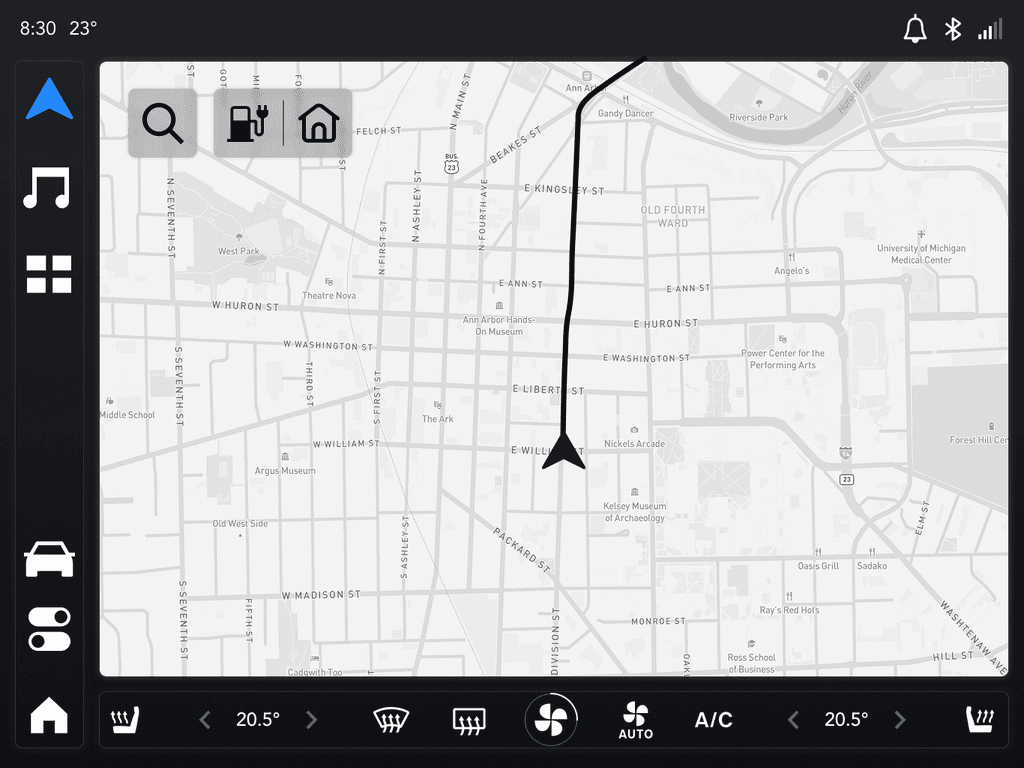
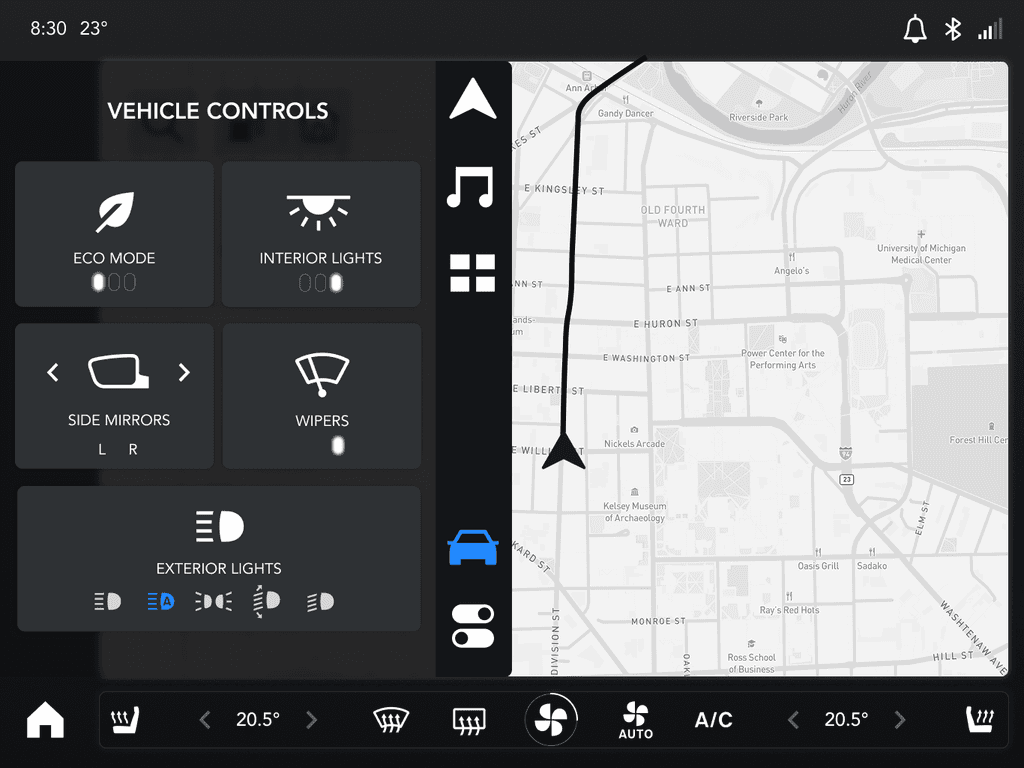
Interactive UI Prototype: Showcased in-vehicle infotainment and mobile app features.
Final Presentation at GM Headquarters: Demonstrated how UWB enhances user experience through real-world scenarios.
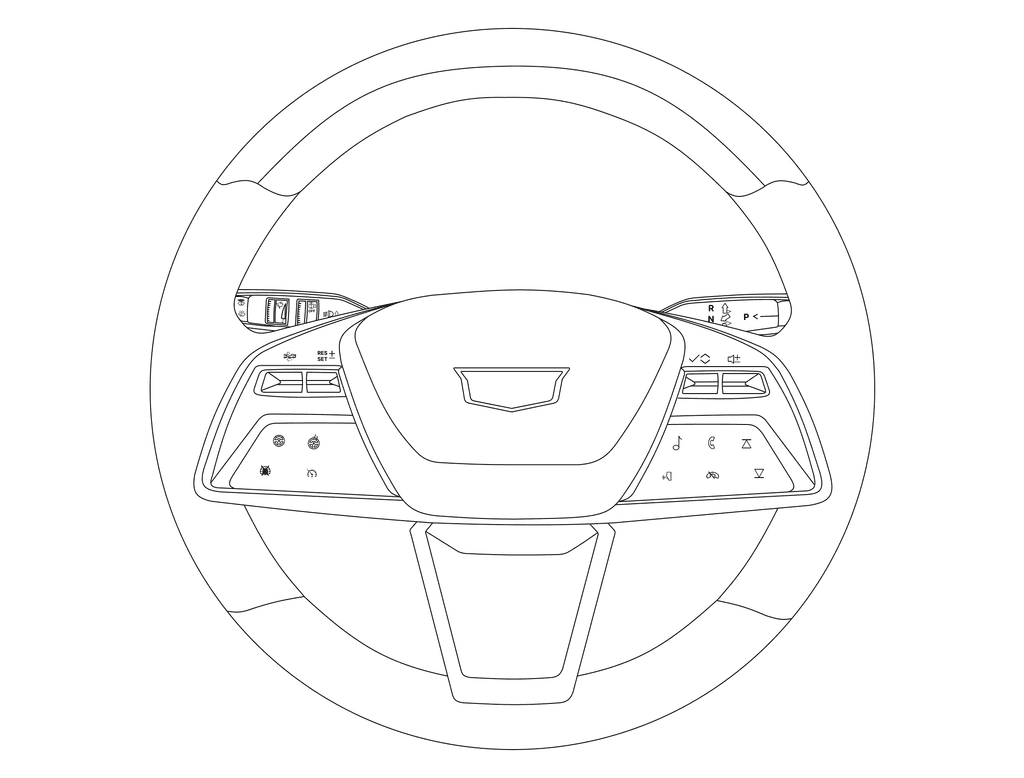
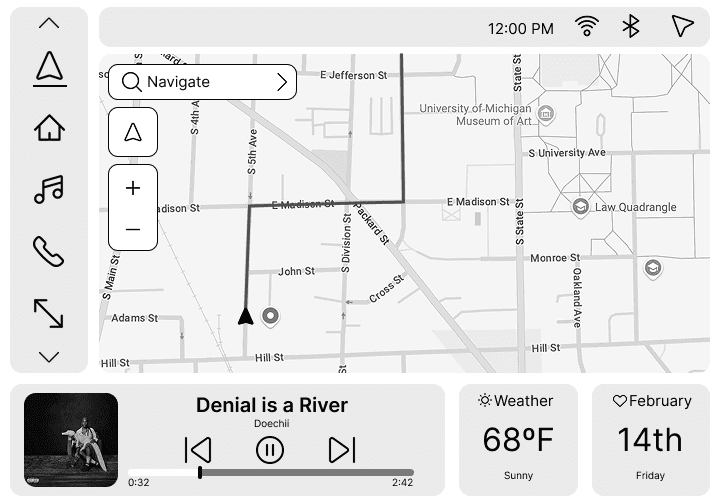
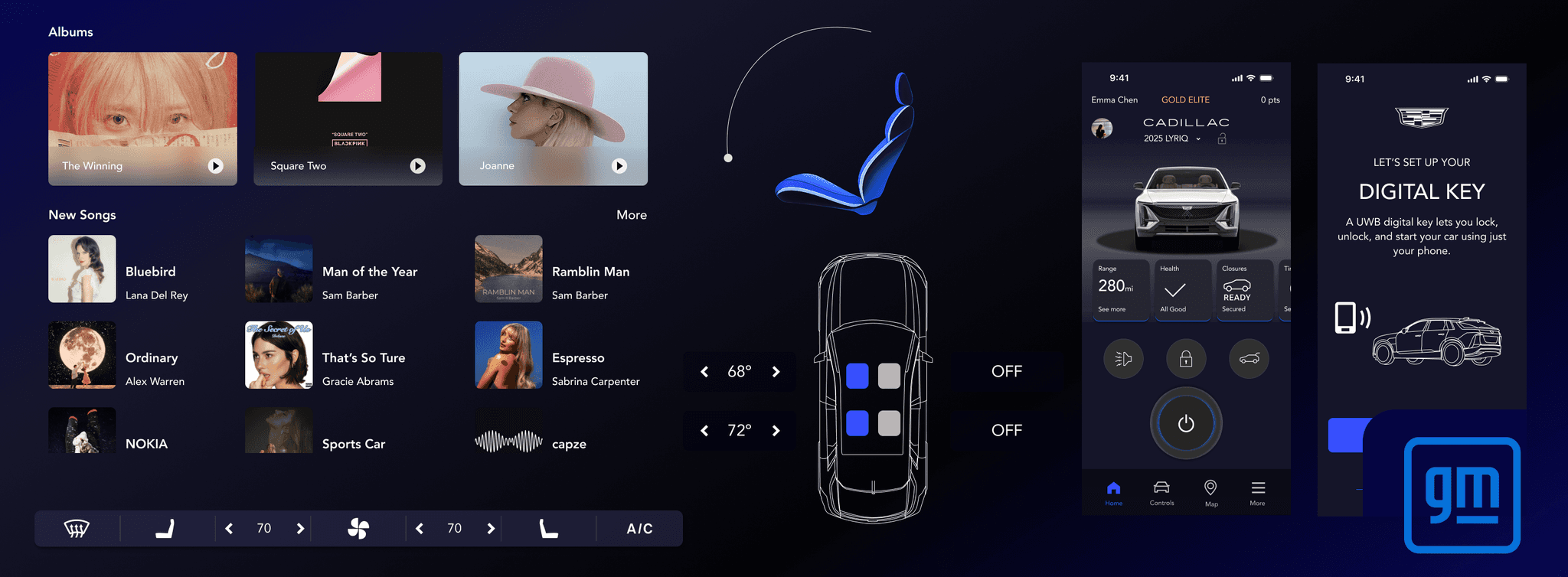
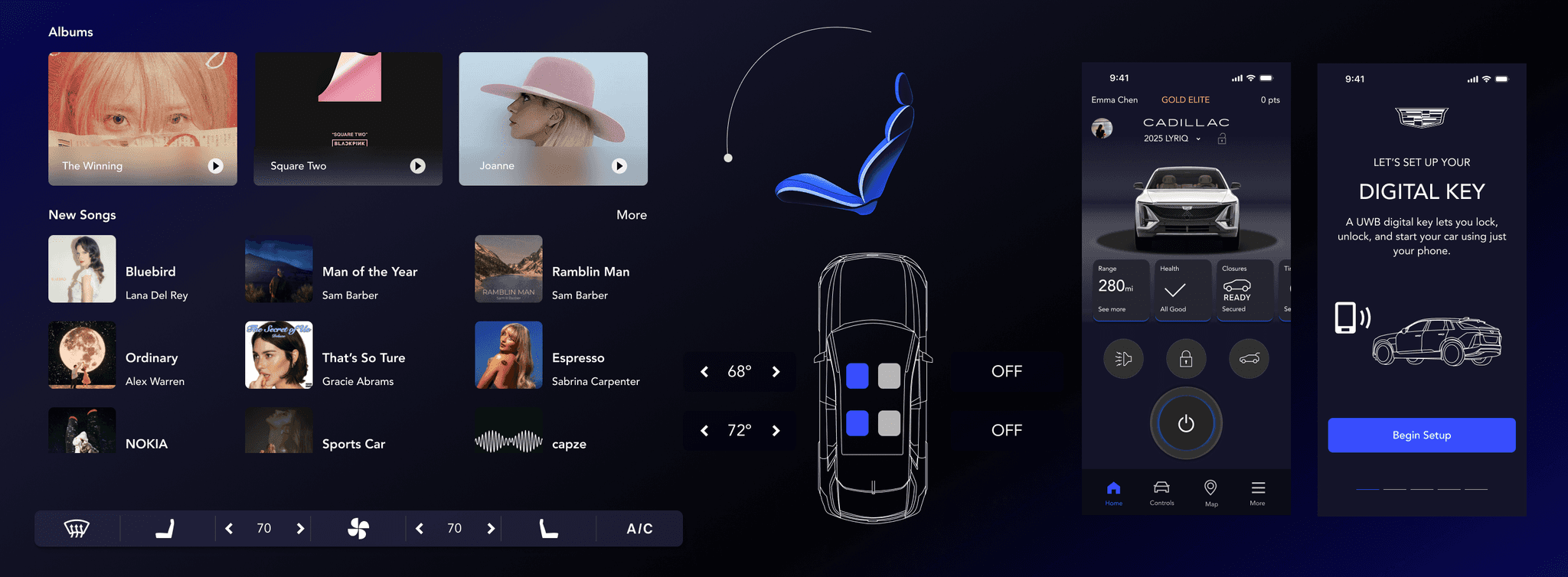






As a UX Designer and Researcher, I contributed across every stage of the process:
User Research – mapped driver behaviors and expectations for automation
Information Architecture – structured UI for glanceable, non-distracting interactions
Interaction Flows – designed UWB-powered experiences that balanced personalization with safety
Wireframes & Prototypes – built interactive mockups to visualize both in-vehicle and mobile interactions
Project completed in collaboration with GM stakeholders and presented at GM Headquarters.
Automation vs. Control – refined menus to include both manual and automatic options
UI Hierarchy and Readability – optimized layout and spacing for glanceability
Technical Feasibility – aligned designs with GM’s hardware and software constraints
Balancing Automation with User Control: We refined the menu structure to provide both manual and automatic options, ensuring users felt in control.
UI Hierarchy & Readability: Adjusted icon sizes, contrast, and layout spacing for better visibility during driving.
Technical Feasibility: Collaborated with GM to align our designs with hardware and software constraints.
Deliverables to GM – flows, wireframes, prototypes, and a final presentation at GM HQ
Roadmap – provided GM with a scalable framework for UWB integration in future vehicles (targeted around 2035)
User Impact – safer, more personalized, and intuitive experiences across in-vehicle and mobile contexts
What I Learned
Designing for multi-platform ecosystems (vehicle and mobile) strengthened my ability to scale UX across contexts
Learned to balance usability, aesthetics, and feasibility in a high-stakes industry collaboration
Built user-centered flows that simplify complex systems, a principle that applies beyond automotive UX
Our design process centered on flows, not features. We framed our user’s journey (Emma) around four UWB-enabled moments of interaction:
Flow 1 – Approach & Entry
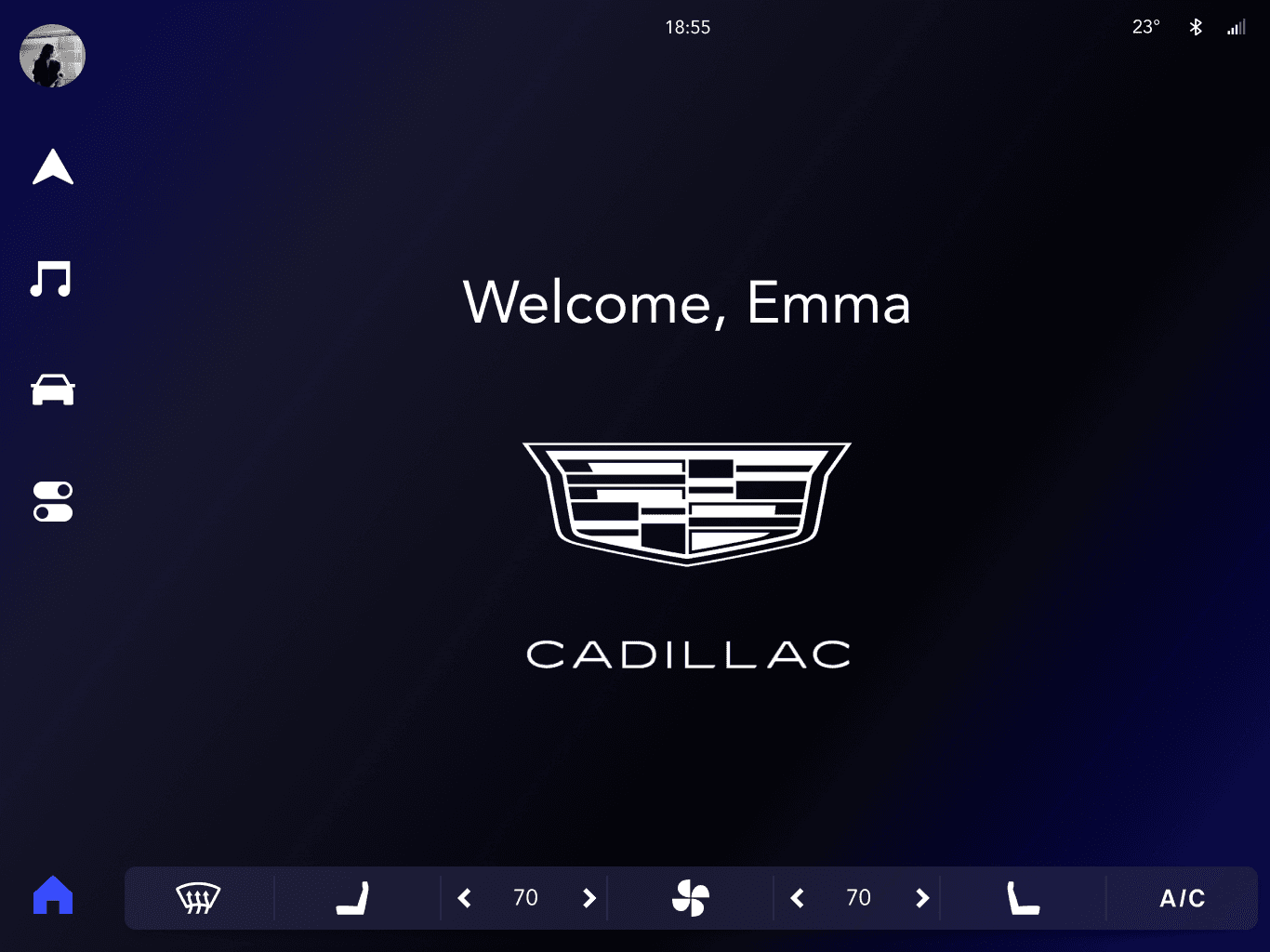
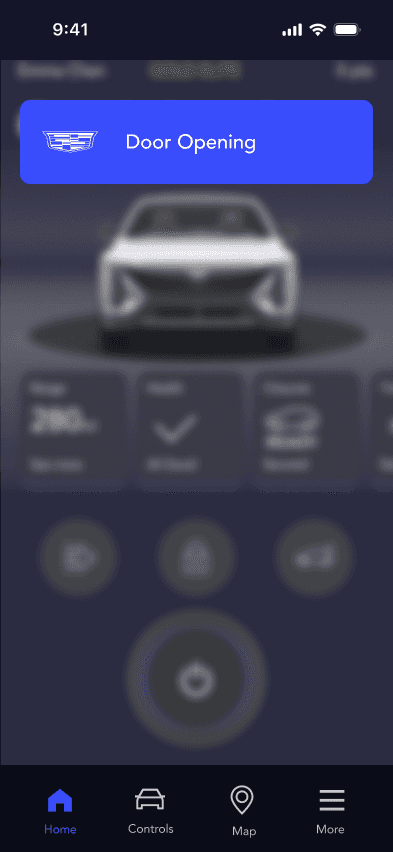
As Emma approaches within ~3 feet, UWB triggers a personalized welcome. Lights fade on, doors unlock, and the system prepares her preferred settings before she enters.
Flow 2 – Personalization in Motion
Once seated, the cabin adapts to Emma’s profile: seat position, mirrors, climate, and media load automatically. Real-time safety feedback appears in glanceable UI elements, balancing automation with driver awareness.
Flow 3 – Park & Return
When Emma parks, the Lyriq logs her location for seamless Find My Car. She can step away confidently knowing the system remembers where she left it.
Flow 4 – Exit & Reassurance
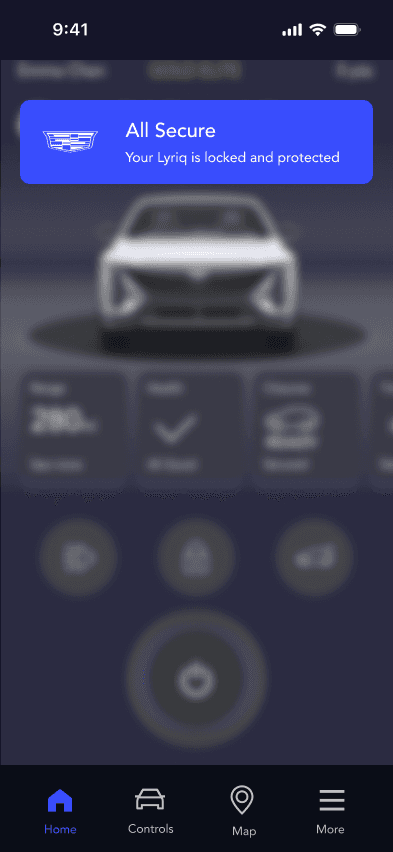
As she exits, the vehicle confirms All Secure with a push notification. UWB ensures the cabin is empty (no kids or pets) and locks only once Emma is safely out of range.
From our flows, we made three guiding design choices:
Designing flows, not features – ensuring seamless, narrative-like interactions instead of fragmented tasks
Personalization through presence – using proximity and profiles to adapt the car naturally to each user
Safety in the background – built-in checks (motion detection, feedback cues) keep the driver informed without distraction
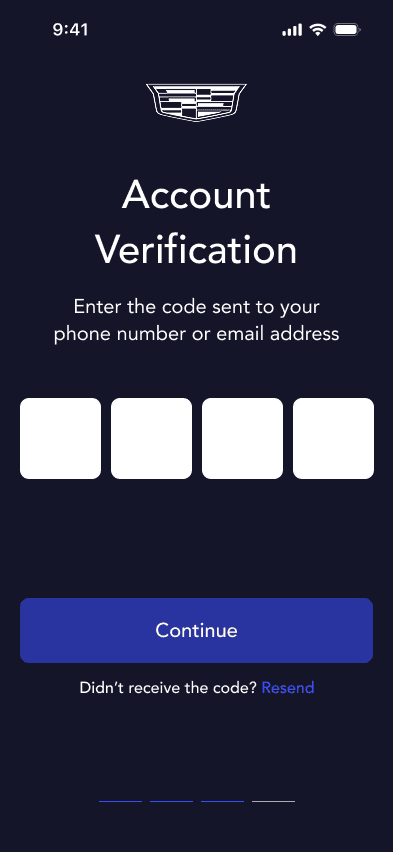
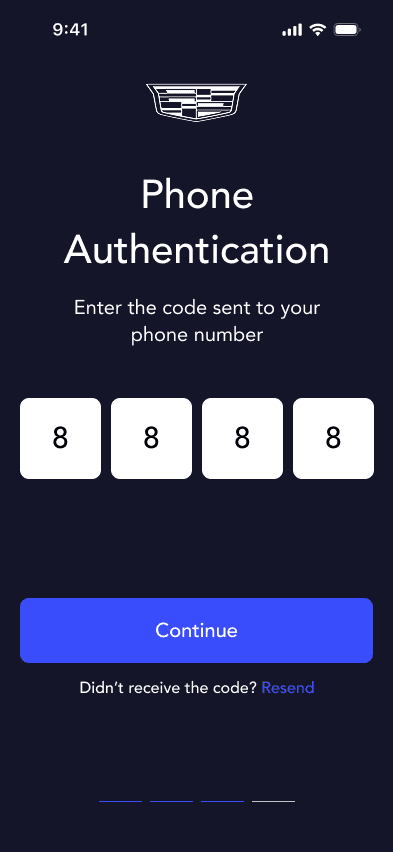
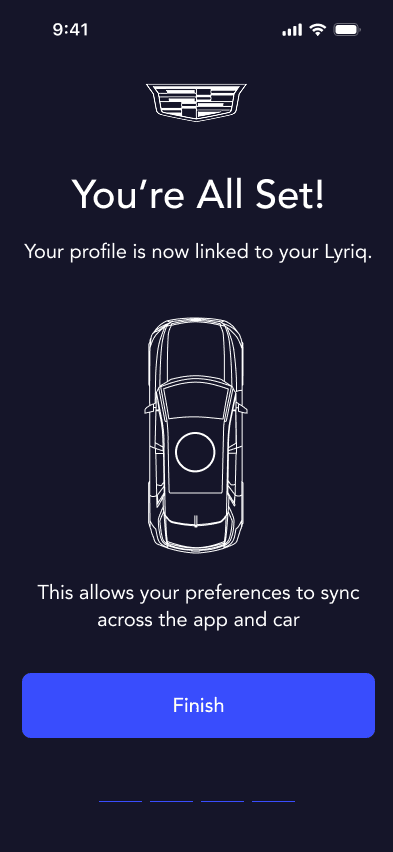
UWB interactions extended beyond the vehicle into GM’s mobile app:
Find My Car – helps Emma locate the Lyriq in large lots
All Secure Push – confirms when the vehicle is safely locked
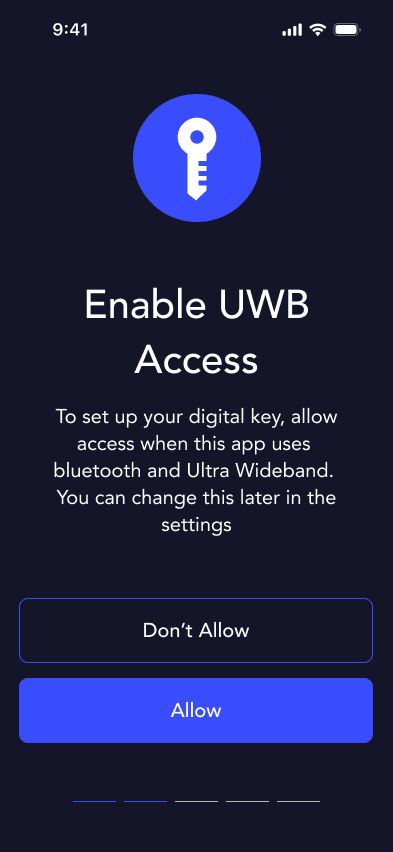
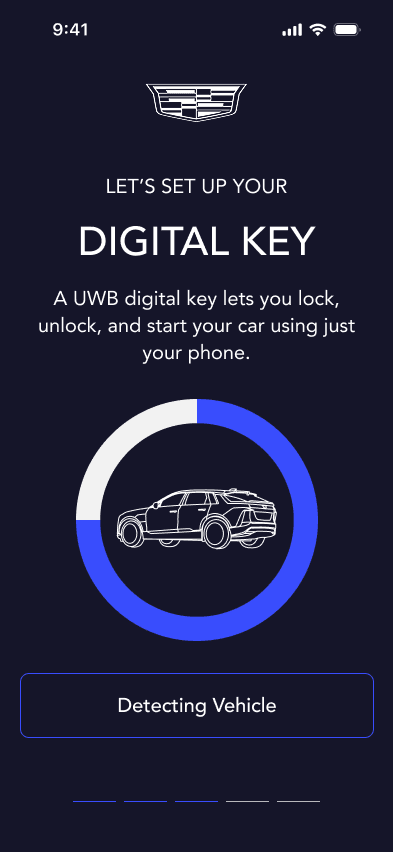
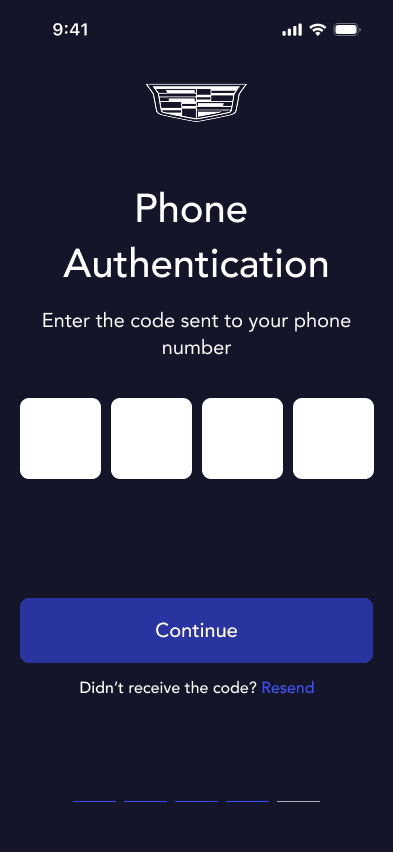
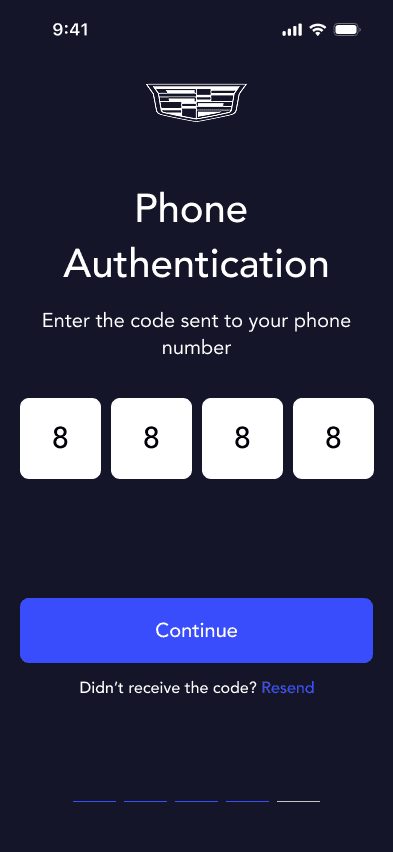
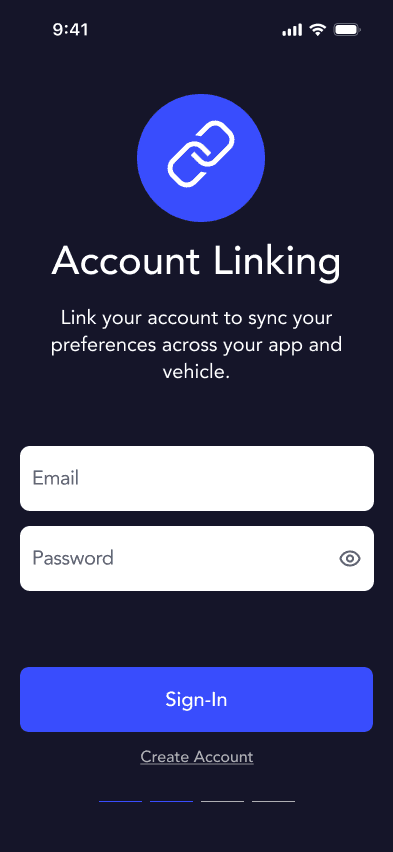
Digital Key Pairing – allows seamless, invisible connection between phone and car
We created interactive Figma prototypes for in-vehicle and mobile flows.
Methods included cognitive walkthroughs to evaluate scenarios for glanceability and efficiency, and heuristic evaluations to test against usability best practices.
Findings:
Refined menu hierarchy to reduce distraction
Adjusted icon sizes and contrast for readability while driving
Improved feedback mechanisms to communicate automation status clearly